To set up your Kiosk, reach out to support@figure.dev and one of our representatives will assist you with the configuration.
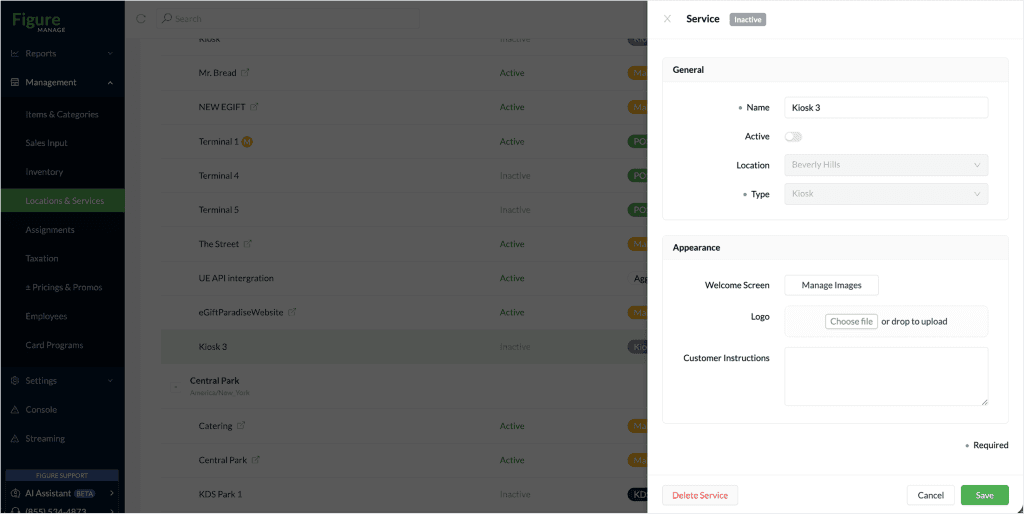
[1] Go to Figure Manage > Locations & Services > open the Kiosk service detail
[2] In the Appearance section, click "Choose file" and select an image you'd like to use as a logo
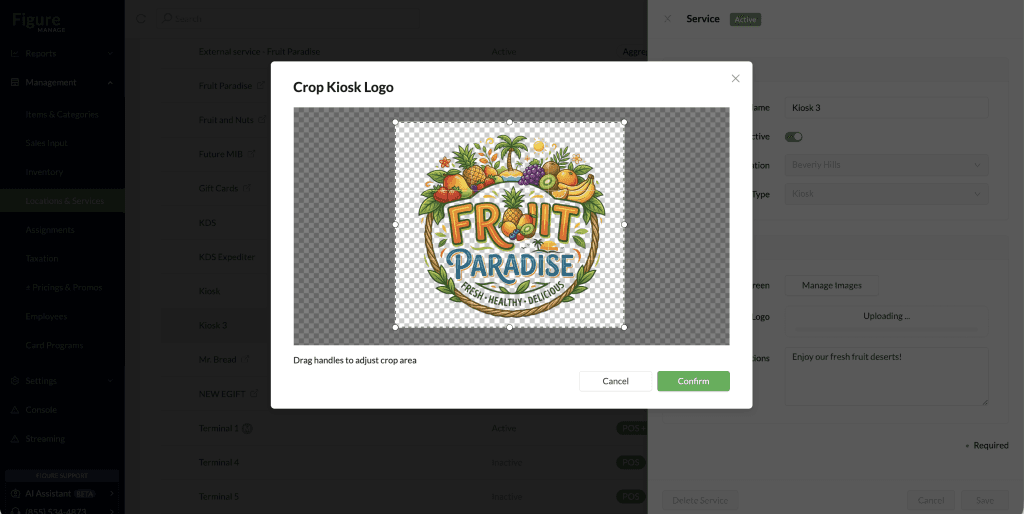
[3] Crop the image if needed
[4] Click Save
This is how the logo will appear on your Kiosk: